
Question 1: How do I download free and paid patterns?
Answer: Downloading patterns on our website is quick and easy:
- Free Patterns: To download a free pattern, simply add it to your cart. During checkout (which is completely free and requires no payment information), the system will prompt you for a quick registration. As soon as you complete the checkout, the pattern will be instantly activated and accessible in your personal account.
- Paid Patterns: Once you purchase your chosen pattern and the payment is complete, a download link will be automatically sent to your registered email address. Additionally, you can download the file at any time by visiting your personal profile section: “My Account” -> “Downloads”.
Question 2: How do I register?
Answer: To register, click on the “My Account” link (or the user login icon) in the top navigation menu. On the page that opens, enter your active email address and choose a secure password in the registration section. Once registered, you will have your own secure personal profile where you can view your order history and re-download your purchased or free digital files at any time.
Question 3: What kind of products are sold on this website?
Answer: Our platform sells digital products only – digital cross-stitch/embroidery patterns (available in PDF, SVG, or PNG formats). Please keep in mind that you are purchasing an electronic file (pattern map/instructions) and not a physical kit (threads, needles, canvas, or a pre-made physical piece). You can use the file directly from your phone, tablet, or print it out on paper.
Question 4: How does the payment process work?
Answer: Payments are completely secure and can be completed using any bank card (Visa or Mastercard). After adding your desired pattern to the cart, proceed to the checkout page, fill in the required billing details, and click pay. Our website uses the secure and certified payment gateway of the “Bank of Georgia”, which guarantees that your card data remains fully protected and encrypted.
Question 5: How do I calculate the canvas size? (Link to Calculator)
Answer: To accurately determine the size of the fabric (canvas) you will need for your project, please use our custom Canvas Size Calculator. Simply enter the pattern’s width and height in stitches (grids), select your canvas count (e.g., 14, 11, or 16 Count), and our calculator will instantly compute the exact fabric dimensions in centimeters. The calculator also automatically includes the necessary free margins (around 5-10 cm extra) to ensure you have enough fabric to frame your finished masterpiece easily.
Question 6: How do I calculate the required thread amount and finished embroidery size? (Link to Calculator)
Answer: Running out of thread mid-project is incredibly frustrating! That’s why we highly recommend using our Thread Quantity Calculator before purchasing your threads. Just enter the number of stitches for each color in your pattern, specify how many strands you plan to stitch with (e.g., 2 strands), and the calculator will tell you exactly how many meters of thread (or how many full skeins/skein count) you need to buy for each color. You will also see the actual dimensions of the finished piece.
Question 7: How do I use a water-soluble stabilizer to transfer patterns onto fabric (for creating a "Smart Pattern")?
Answer: This is an innovative and exciting method that lets you transfer and stitch any pattern onto normal clothing, tote bags, or any other fabric. Just follow these simple steps:
- Print: Download our “Smart Pattern” and print it using a standard printer on a special water-soluble stabilizer sheet (A4 adhesive or non-adhesive water-soluble paper).
- Apply: Cut out your printed design, peel off the protective backing (if using adhesive paper), and press it firmly onto the area of your clothing where you want the embroidery. (If using non-adhesive paper, secure it with temporary hand stitches).
- Stitch: Embroider normally, stitching directly over the symbols and lines printed on the stabilizer.
- Wash: Once you finish stitching, submerge the item in warm water (around 30-40°C) for a few minutes. The stabilizer will completely dissolve without leaving any trace, leaving only your perfectly neat and beautiful embroidery on your clothing!
ePatterns
-
 Sale!
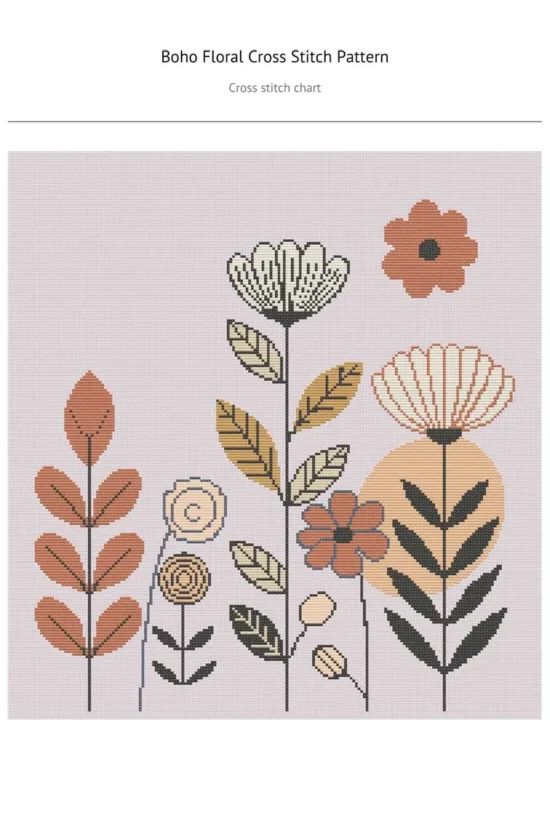
Sale!Floral Cross Stitch Pattern – Boho Flowers
Original price was: $ 7,92.$ 3,96Current price is: $ 3,96. -
-
-
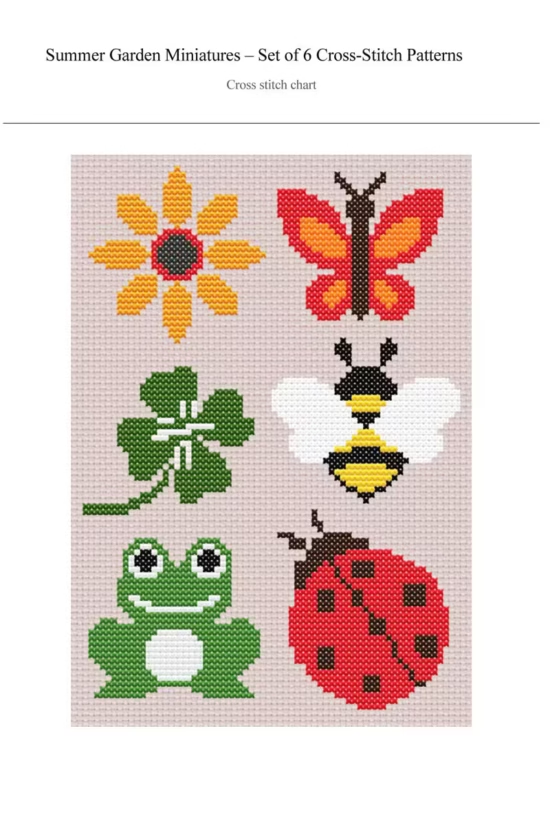
Summer Garden Miniatures
$ 5,40 -
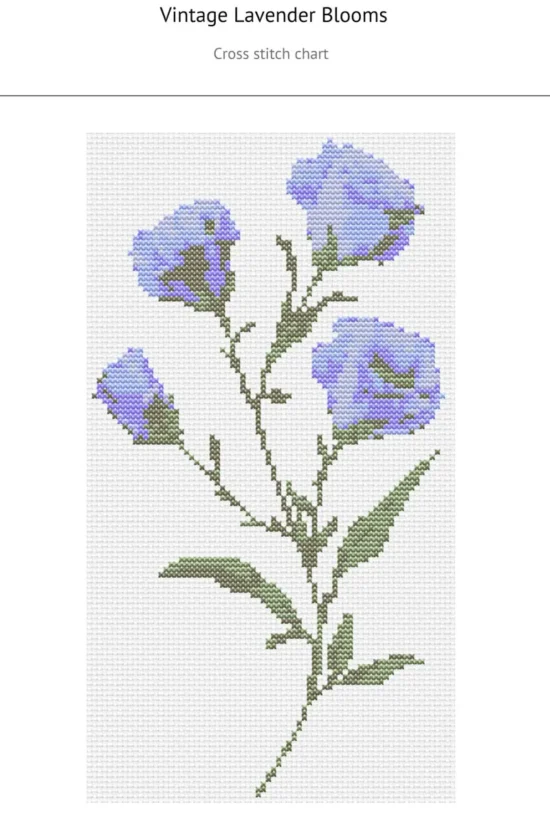
Vintage Lavender Blooms
$ 0,54